Quick Fixes
Quick fixes to troubleshoot problems in the studio
- Headphones not producing any sound even though you have a song playing?
- Make sure you are wearing the presenter headphones and not the guest ones!
- Ensure that the presenter headphones are turned up. The dial is on the right hand side of the desk labelled 'presenter'.
- If the guest headphones aren't working first ensure that the 'guest' dial on the main desk is turned up. If they continue not to work check the dials on the splitter. This is the small black box found on the desk that all the guest headphones run into. Make sure the dials are turned up on that :)
- Finally... make sure you have actually clicked play!
- Play it Live (the system we use to play out songs) not allowing you to drag or drop songs?
- Instantly get in contact with RAW tech - best way to reach out is join the tech subchat as this remains mostly clear and tech can quickly see the message as opposed to it being put in the main chat
- People telling you that they can't hear the songs you are playing or you speaking on the stream?
- Instantly get in contact with RAW tech. See above for how
- People able to listen to your music that you are playing out but can't hear your voice?
- First check you have actually put the slider for the microphones up!
- Make sure you haven't left the pre-fade on. The pre-fade button is at the top of all the mic sliders and should only be used to pre-fade microphones before going live. To do this don't put the slider up but rather just click the button and this will allow you to hear and see how loud that one microphone is and adjust accordingly
- Ensure the mic is actually turned on. There is a button at the bottom of the mic slider which should have a green light coming out of it. If there isn't just push the button and it'll come on
- People tuning in telling you the microphones sound really bad?
- Make sure you aren't too close to the mic. Your levels should be sitting nicely between 5 and 7 on the dial. If it needs to be adjusted change the gain or slider to accomodate
- Don't eat food, slurp drinks or be coughing whilst the mics are live. It creates a horrid listening experience. As a host if you are aware someone is being slightly disruptive (deliberate or not) be reactive to putting their slider down when they do it
Events
-
Welfare Social (maybe)
INFORMATION TBC
Schedule
-
 SUE
SUEMidnight - 2:00pm
Non-stop tunes on your student radio station...
-
 SRA Chart Show
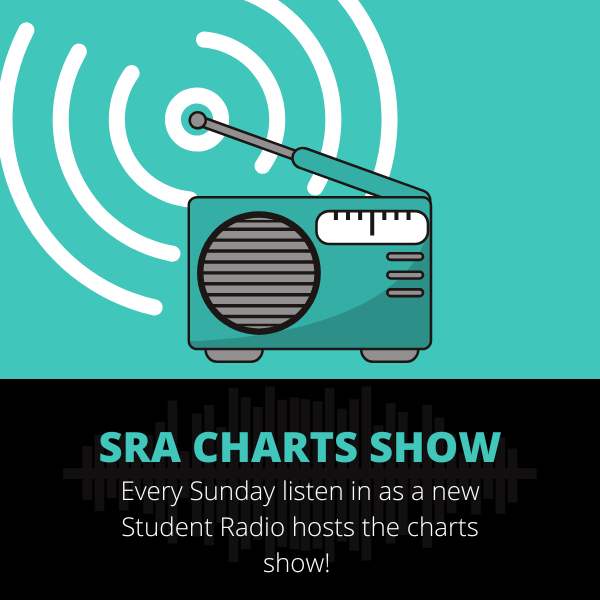
2:00pm - 4:00pm
Check out who is hosting the SRA charts show this week: https://www.studentradio.org.uk/chart/
-
SUE
4:00pm - 11:55pm
Non-stop tunes on your student radio station...